Your music, turned into light
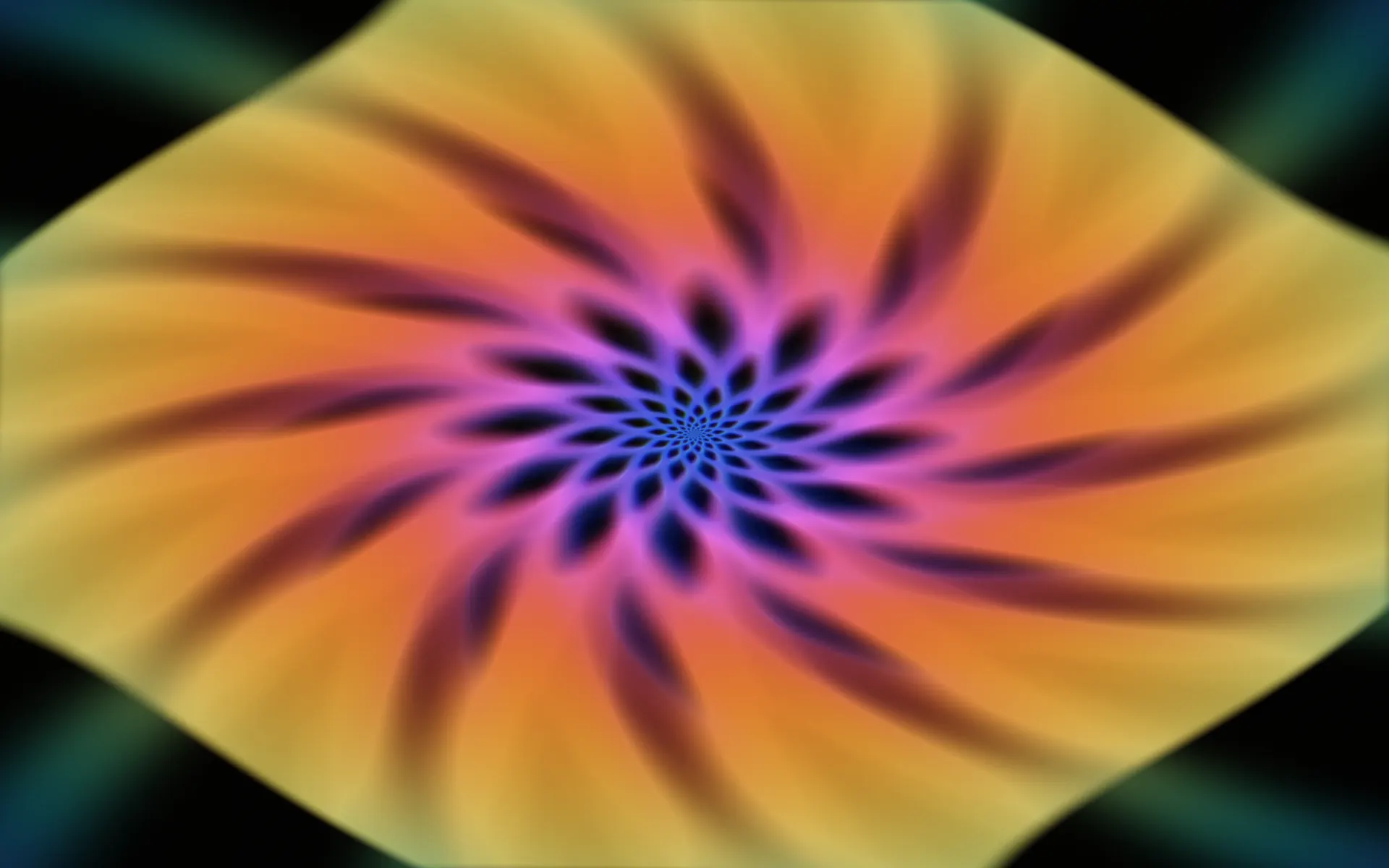
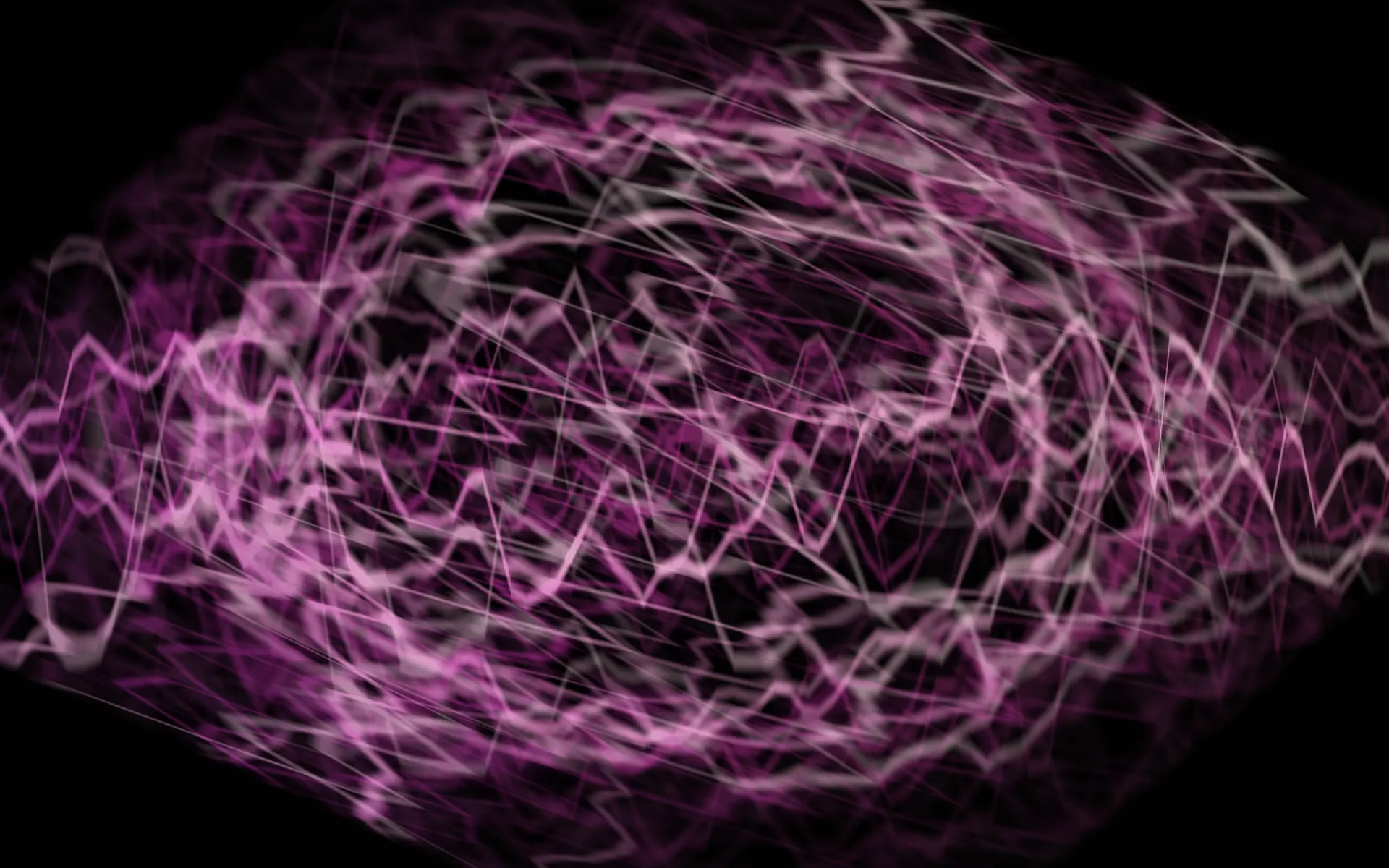
Lightwhirl turns whatever is playing on your Mac into moving, psychedelic light, in the spirit of the classic Milkdrop visualizer.
Requires macOS 26 or later · Apple silicon and Intel
Photosensitivity warning. Lightwhirl shows flashing lights and fast-moving patterns. If you or anyone watching has photosensitive epilepsy or is sensitive to flashing images, do not use it.
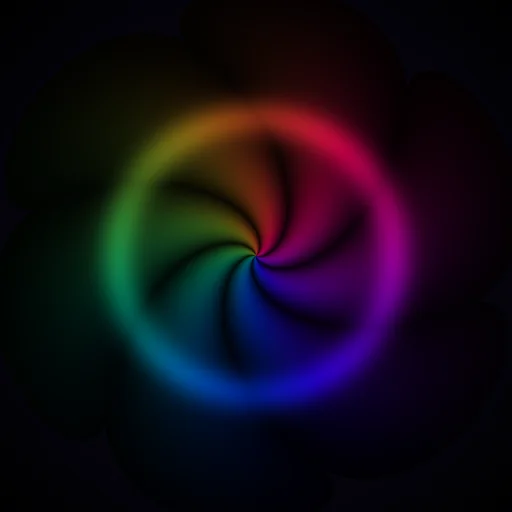
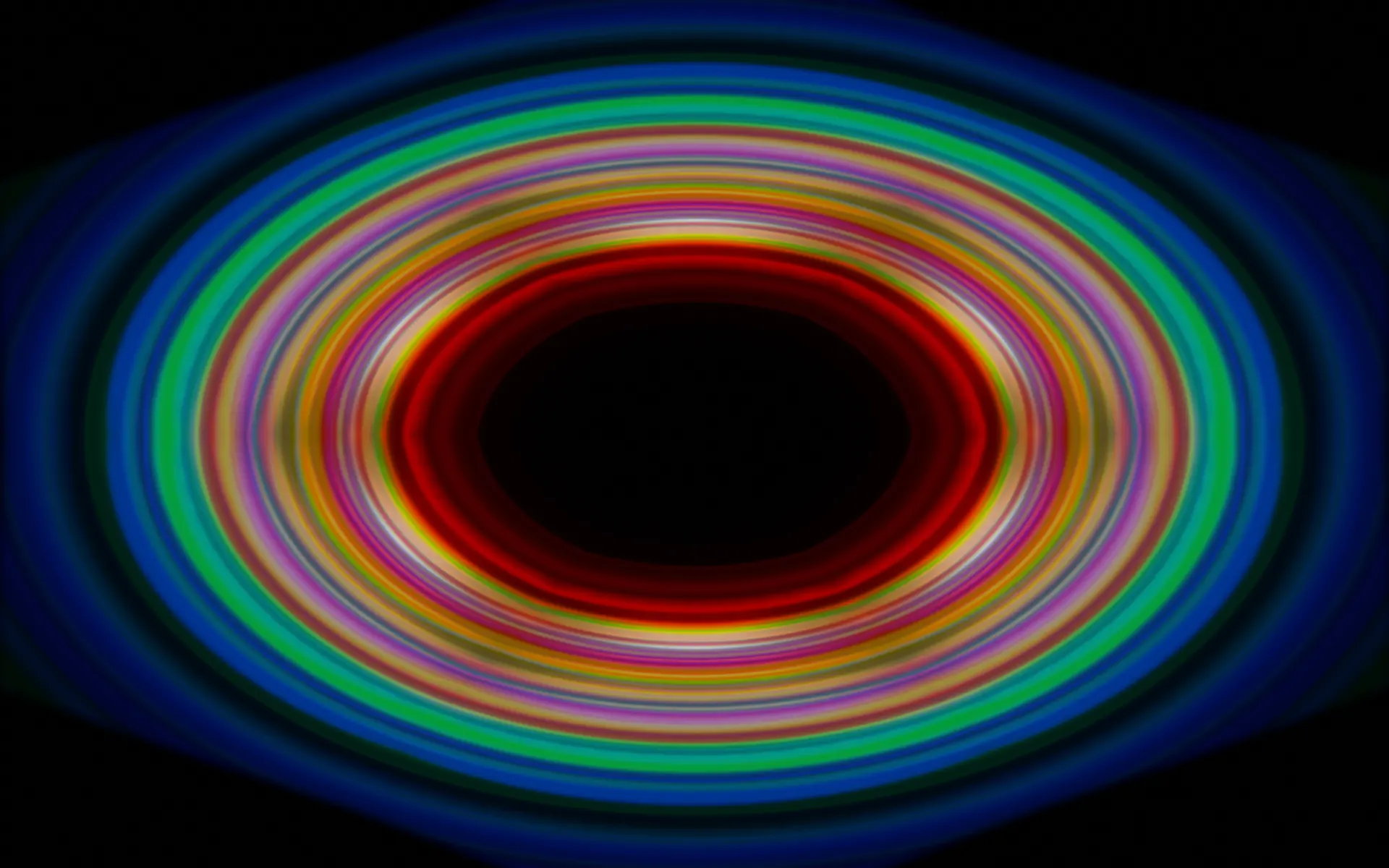
Works with anything that plays
Music, Spotify, YouTube in a browser, a DJ app or a game. There is no plug-in, no virtual audio driver and nothing to route. Press play, open Lightwhirl, and the picture follows the music.
- Music
- Spotify
- YouTube in a browser
- DJ apps
- Games
Made for
- Music lovers
- Parties
- VJs
- A background on the big screen
Eight presets
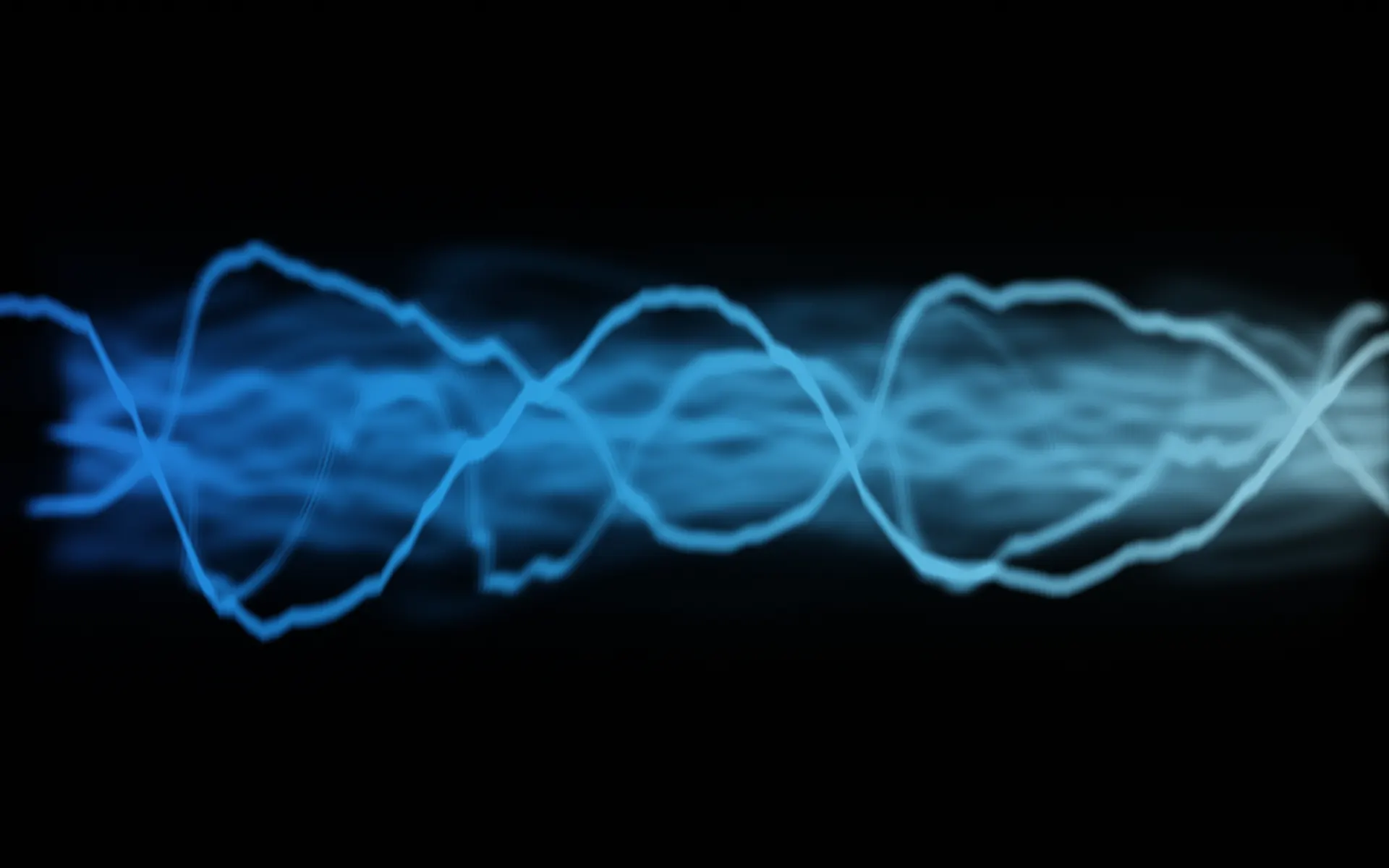
Each one feeds the previous frame back through a warp (zoom, rotate, fold or smear) and draws the waveform or the spectrum on top, so the image keeps evolving instead of looping.
- Event Horizon
- Silk River
- Kaleidoscope
- Starladder
- Plasma Cathedral
- Spiral Choir
- Liquid Glass
- Oscilloscope
In time with the music
- Real-time spectrum analysis with bass, mid and treble bands
- Beat detection that drives pulses, zooms and color shifts
- Presets change on their own and wait for the next beat, so the switch lands on the music
- Lock a preset you like, or jump to any of them with a key
Made for the big screen
- Fullscreen with F or a double-click, Esc to leave
- Full keyboard control
- Rendered with Metal on Apple silicon and Intel Macs
- Respects Reduce Motion
Private by design
- The audio is analyzed in memory to draw the picture, then discarded
- Nothing is recorded, saved or sent anywhere
- No account, no ads, no analytics, no network access
- App Privacy: Data Not Collected
Keyboard
| F or double-click | Fullscreen |
| Esc | Leave fullscreen |
| ← → | Previous / next preset |
| 1–8 | Jump to a preset |
| R | Random preset |
| L | Lock the current preset |
| ↑ ↓ | Input gain |
| H | Key legend |
Requires macOS 26 or later · Apple silicon and Intel
Photosensitivity warning. Lightwhirl shows flashing lights and fast-moving patterns. If you or anyone watching has photosensitive epilepsy or is sensitive to flashing images, do not use it.
Questions or ideas: dreamcomenull@gmail.com